Description
DarwinFPV 600mW VTX
Product Overview
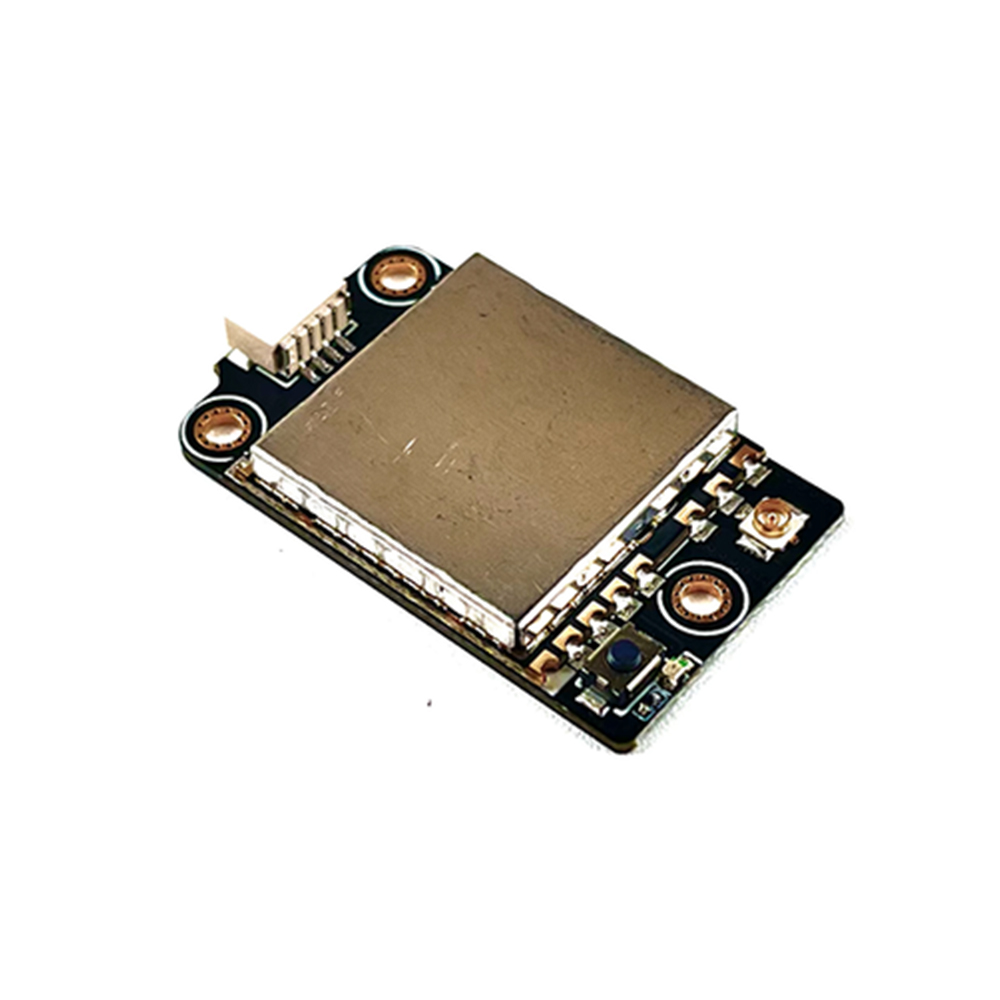
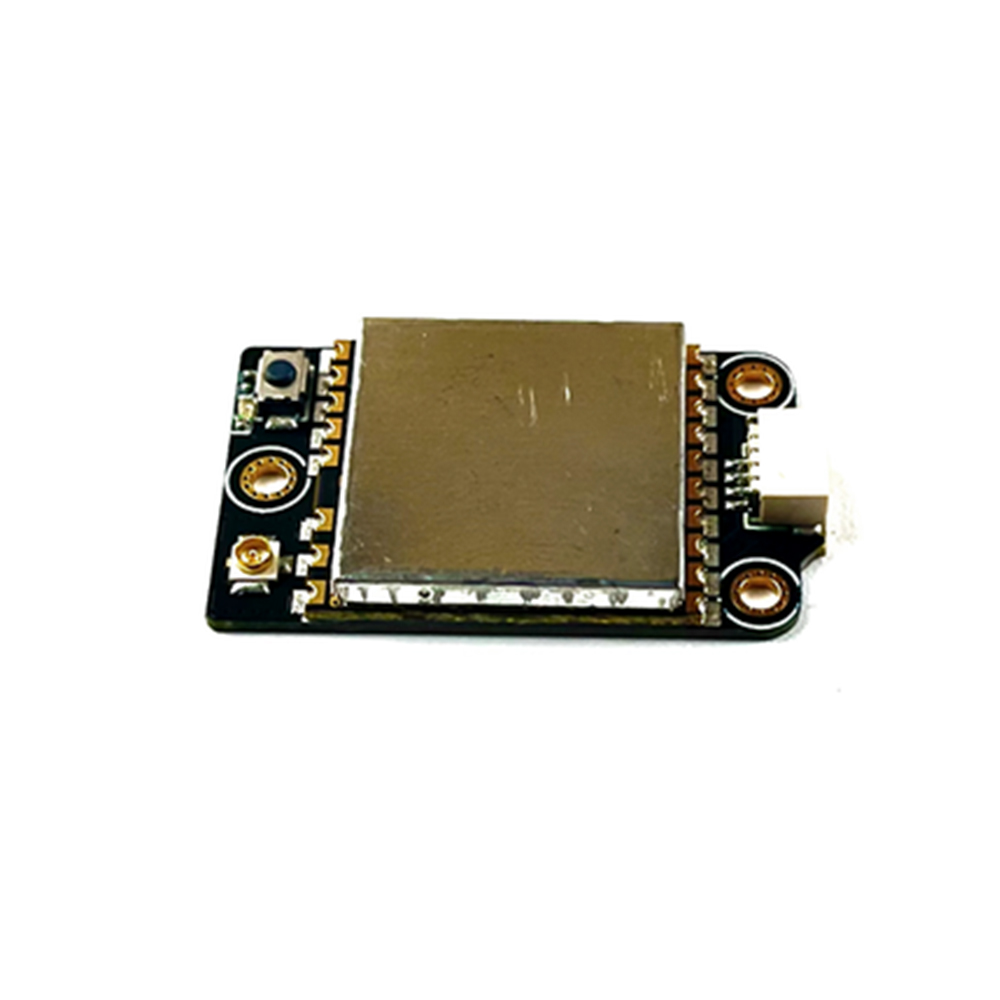
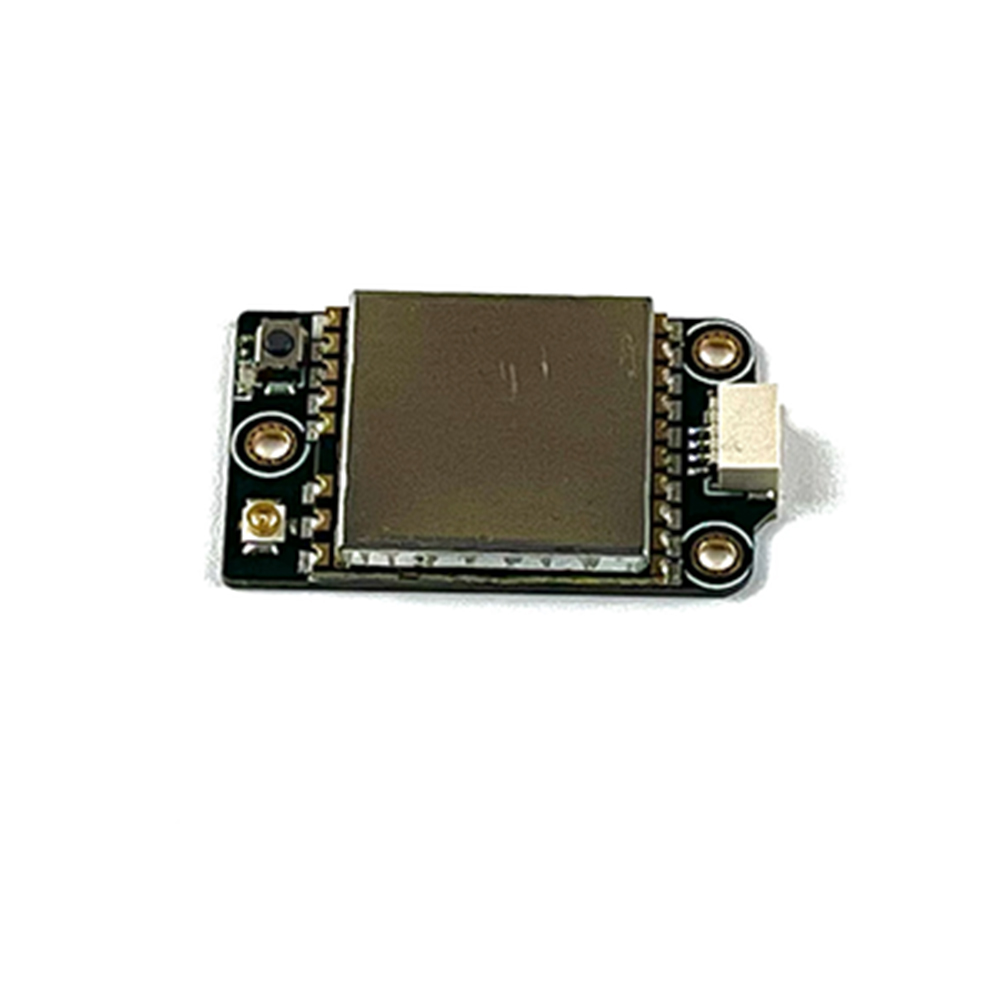
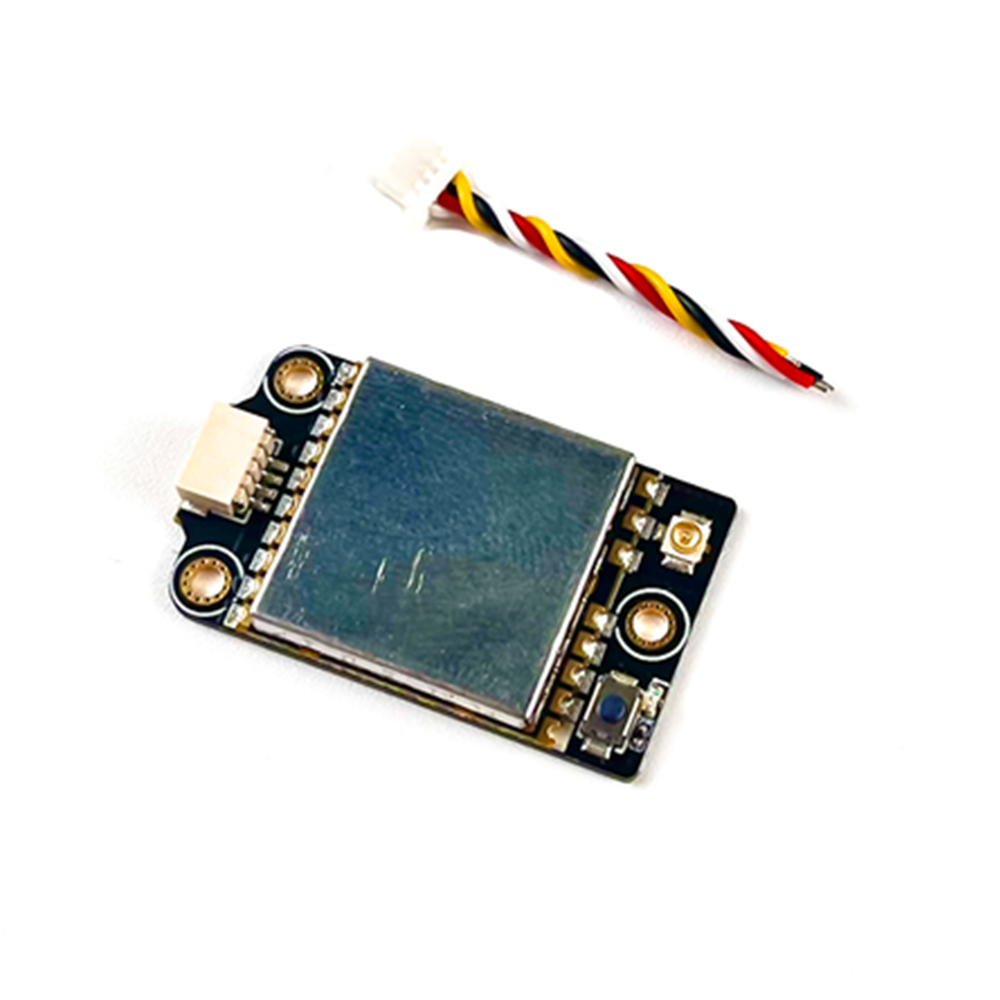
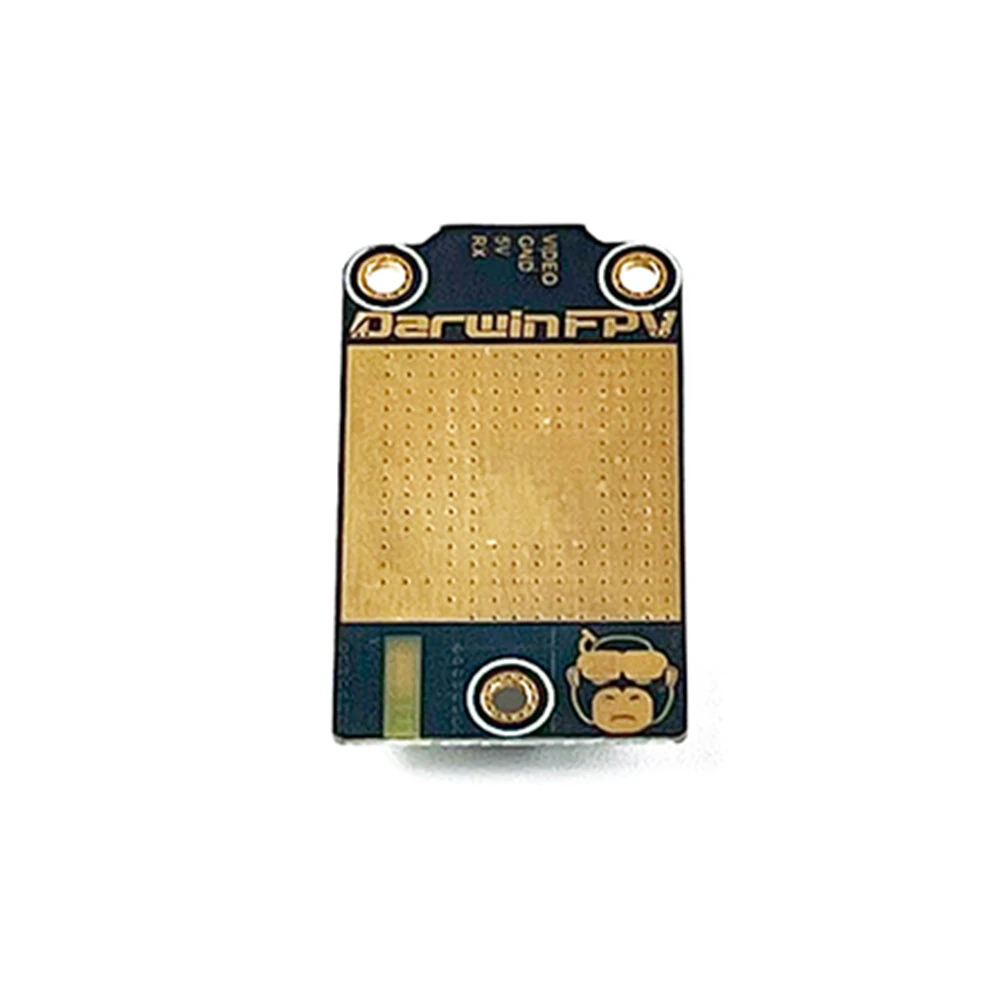
The DarwinFPV 600mW VTX is a lightweight, compact, and high-quality video transmitter with adjustable output power (25/200/400/600mW). It features an integrated 4-pin connector for convenient plug-and-play use. Key settingsincluding transmission power, frequency band, and channelcan be easily adjusted via the flight controller, with support for OSD parameter tuning.
Features
- Adjustable Power Levels: 4 selectable output powers (25/200/400/600mW) to adapt to short-to-medium-range flights, delivering excellent signal stability.
- Low Power Consumption: 5V DC input with only 600mA power draw (at 600mW output), directly powered by the flight controllers 5V supply.
- Smart Control Protocol: Equipped with SmartAudio protocol, supporting OSD parameter tuning for real-time adjustments.
- Compact & Lightweight: Weighs only 3.5g with a 2815mm mounting pitch, perfect for space-constrained FPV builds.
- Plug-and-Play Design: Integrated 4-pin connector simplifies installation, no complex wiring required.
Specifications
| Parameter | Details |
|---|---|
| Brand | DarwinFPV |
| Model | 600mW VTX |
| Output Power | 25/200/400/600mW (adjustable) |
| Operating Frequency | 5.8GHz, 40 channels |
| Power Supply Voltage | 5V DC |
| Power Consumption | 600mA (at 600mW output) |
| Weight | 3.5g |
| Mounting Pitch | 2815mm (LW) |
| Control Protocol | SmartAudio |
| Connector Type | Integrated 4-pin connector |
Indicator Light Description
Note: The indicator light indicates power level and working status (e.g., solid light for normal operation, flashing for parameter adjustment). Specific color/cycle details follow the flight controllers OSD feedback.
Frequency & Power Control Guide (via Betaflight)
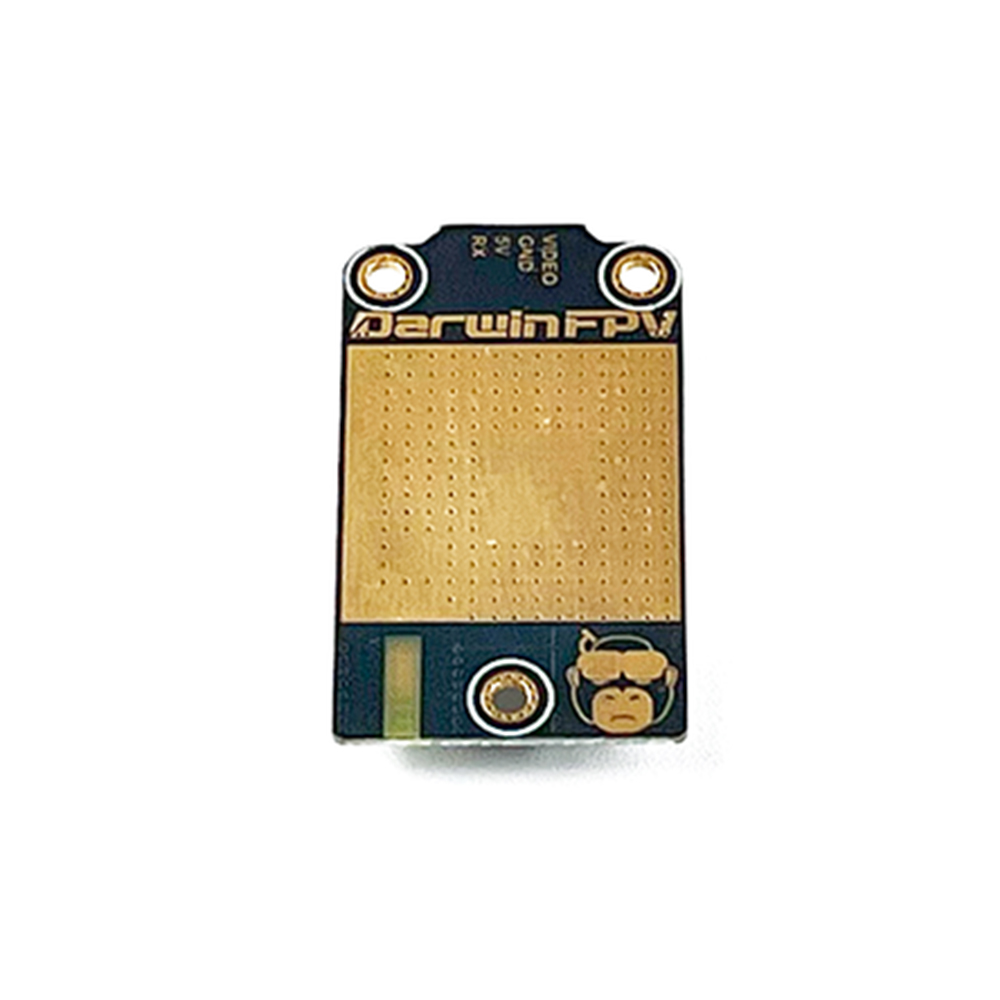
- Connect the VTXs white RX wire to the flight controllers (FC) spare UART port (TX signal line or SOFTSERIAL1 signal line).
- Enter the Betaflight Configurator, go to the Ports tab. Enable the TBS (SmartAudio) function for the connected port, then save the settings.
Note: The operation is the same for SOFTSERIAL1just select the TBS (SmartAudio) function for the corresponding port.
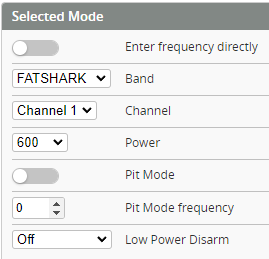
- Navigate to the VTX parameter adjustment interface. Select the desired frequency and power level, then click ‘Save’ to confirm and exit.
Packing List
- 1 DarwinFPV 600mW VTX
- 1 Spare Screw Set
- 1 3cm 4-pin Cable
- 1 Sticker