Description
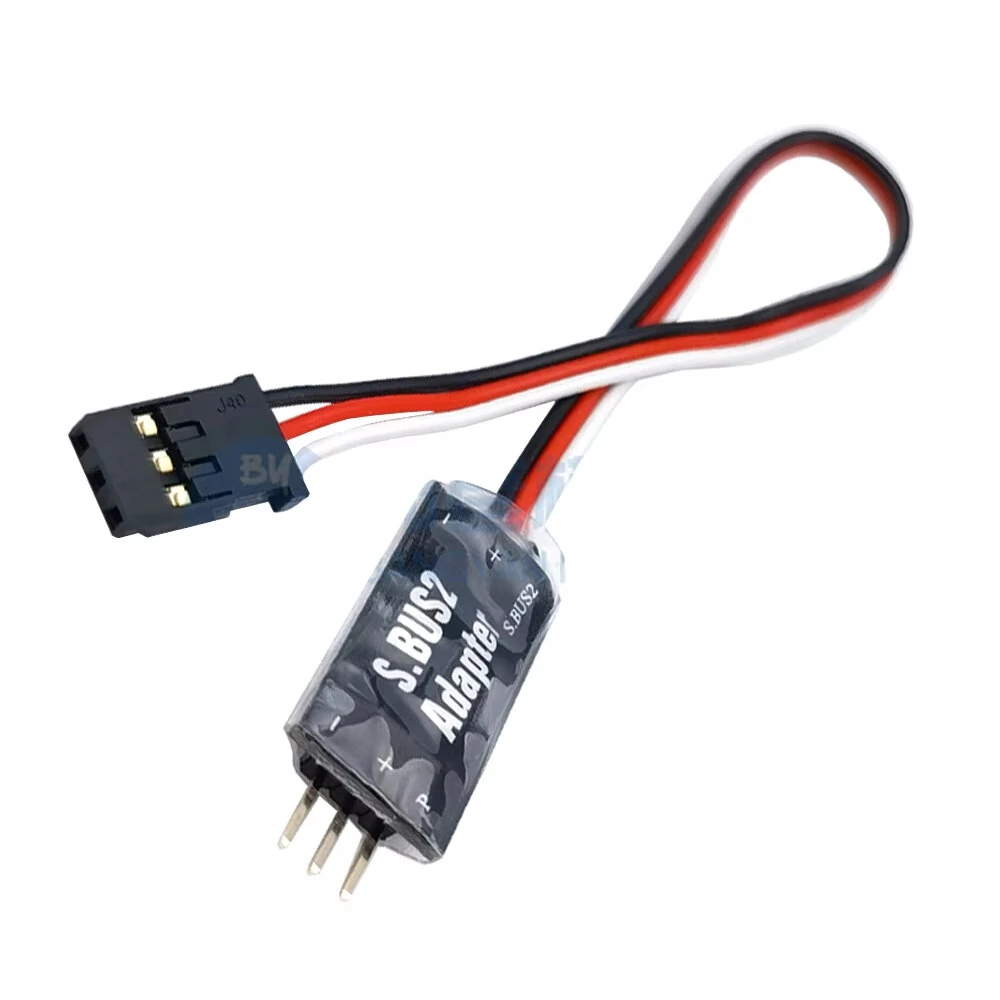
Hobbywing S.BUS2 5-9V Telemetry Adapter Data Transmission Module For Futaba Air ESC RC Airplane Car
Product Introduction:
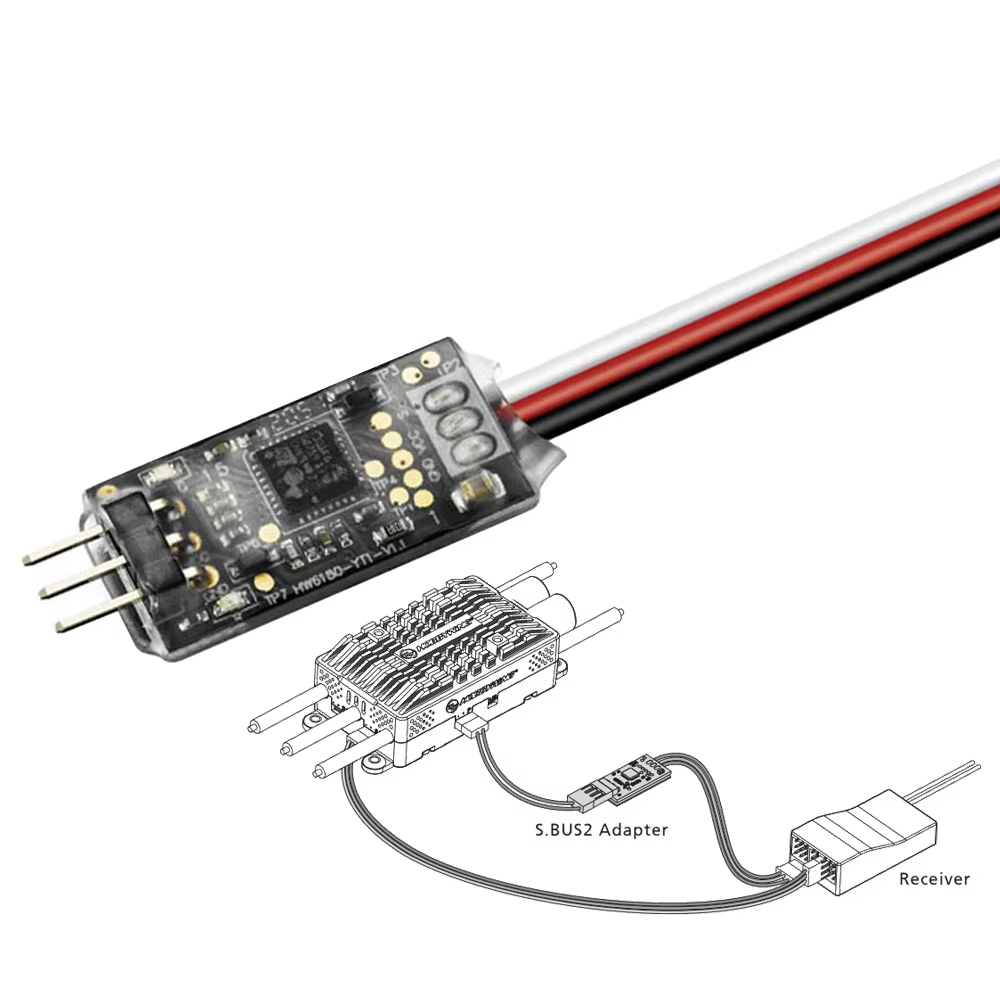
This adapter is suitable for Platinum V4/4.1/5 series with data backhaul function. The electronic governor is connected to the Futaba receiver that supports the S.BUS2 protocol,enabling the ESC to transmit Telemetry data to the Futaba Radio in real time displaying the functions.
Instruction Manual:
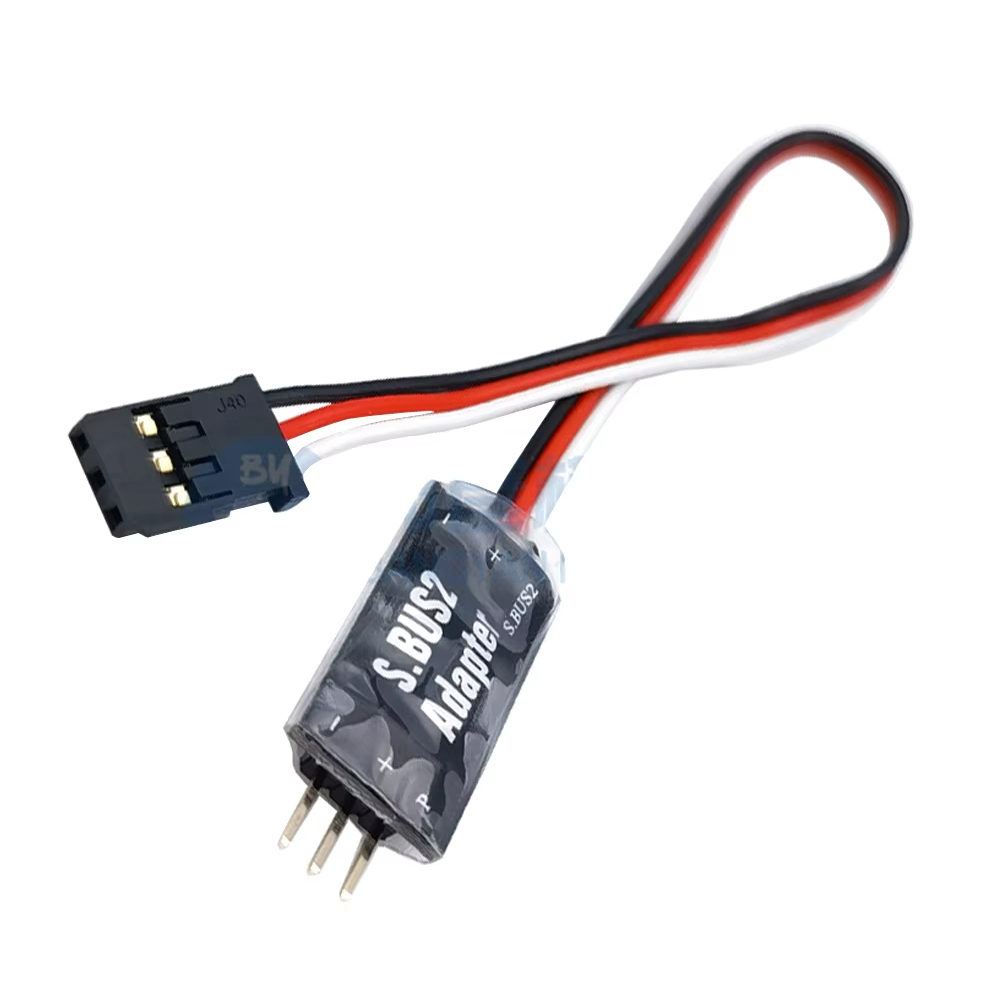
1) Use a cable to connect to the ESC port (usually identified as ‘-+ P’) and the adapter ‘-P’ side;
2) Connect the adapter ‘-S.BUS2’ to the Futaba receiver to identify the channel of ‘S.BUS2’;
3) Connect the ESC throttle signal line to the Futaba receiver throttle channel.
Note: The input voltage is 5-9V; The ‘-P’ port does not provide a power input;
Parameter setting method:
1) According to the image above, connect the adapter and LCD program box; (adapter ‘-P’ side connection LCD program box ‘ESC’ side adapter. ‘-S.BUS2’ cable using
Y-wire to connect to the program box to set the power supply at the end of the box with the battery, the battery is recommended to use 2S battery).
2) Press the ‘OK’ key upon connecting the program box. After the connection is successful, the current firmware version number will be displayed;
3) After adjusting the parameters on interface, press the ‘ITEM’ key to browse the parameter item, press the ‘VALUE’ key to change the parameter item’s set value;
4) Once after the setting value has been changed, press the ‘OK’ key to save the setting;
5) Repeat the third and fourth steps to modify the settings of other parameter items;
6) After the parameter settings are completed, unplug and disconnect the adapter from the battery, power up again to see if the parameters are current.
Specification:
Brand: Hobbywing
Model: S.BUS2 5-9V Telemetry Adapter
Working Voltage: 5-9V
Size: 25*13*6mm
Weight: 3.5g
Package inlcuded:
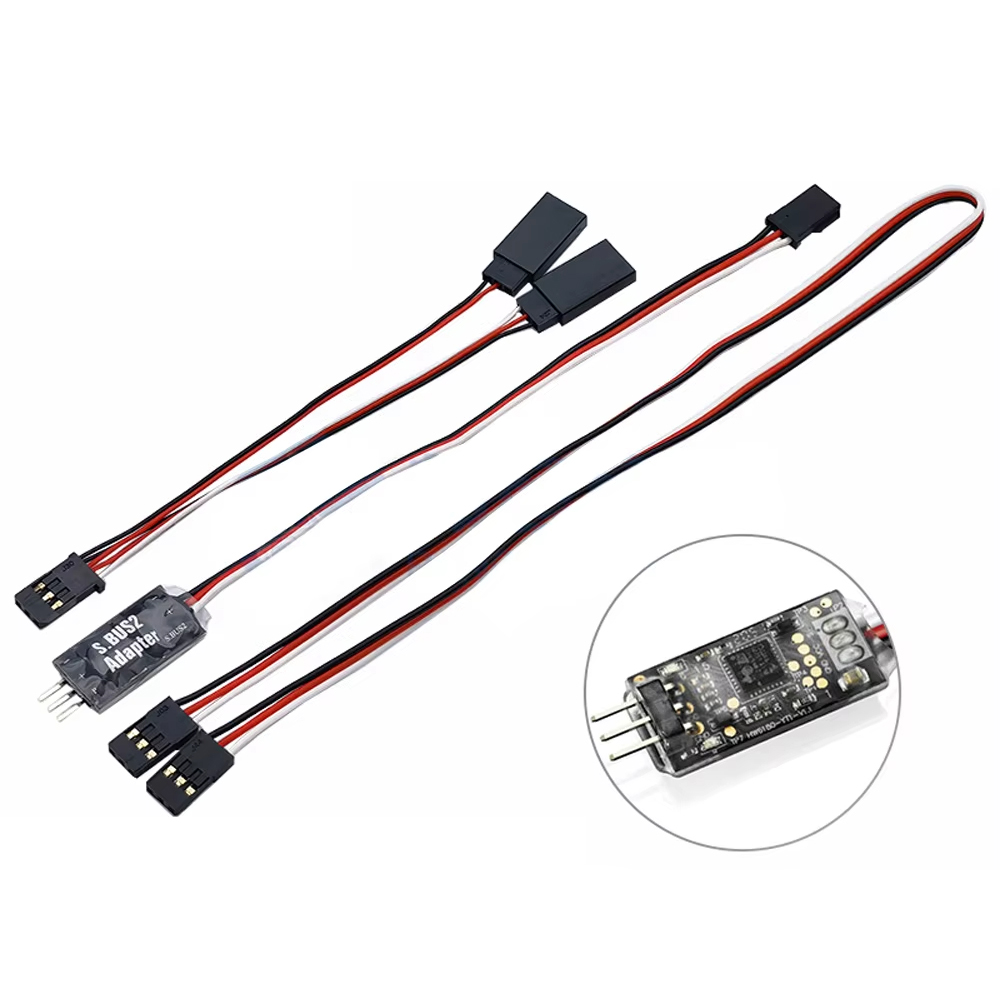
1 x Hobbywing S.BUS2 5-9V Telemetry Adapter